
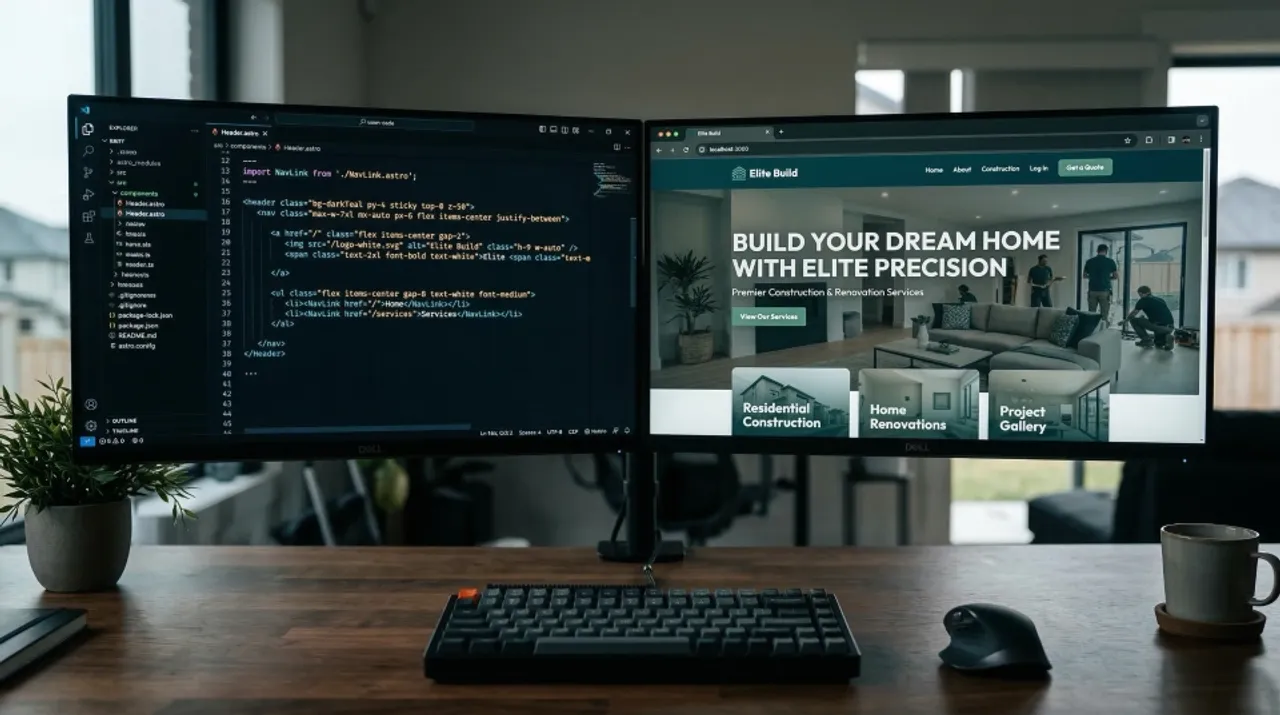
I’ve been wanting to get away from page builders for a while now. They’re slow, they’re clunky, and every time I need to spin up a new version of a landing page — different headline, different offer, different audience — it’s a manual slog.
So I decided to take an existing landing page that’s performing well for a client’s Meta ads and rebuild the whole thing in Astro, using Claude as my development partner. No page builder. No dragging and dropping. Just a conversation.
Here’s how it went.
The Problem With Building Landing Pages the Old Way
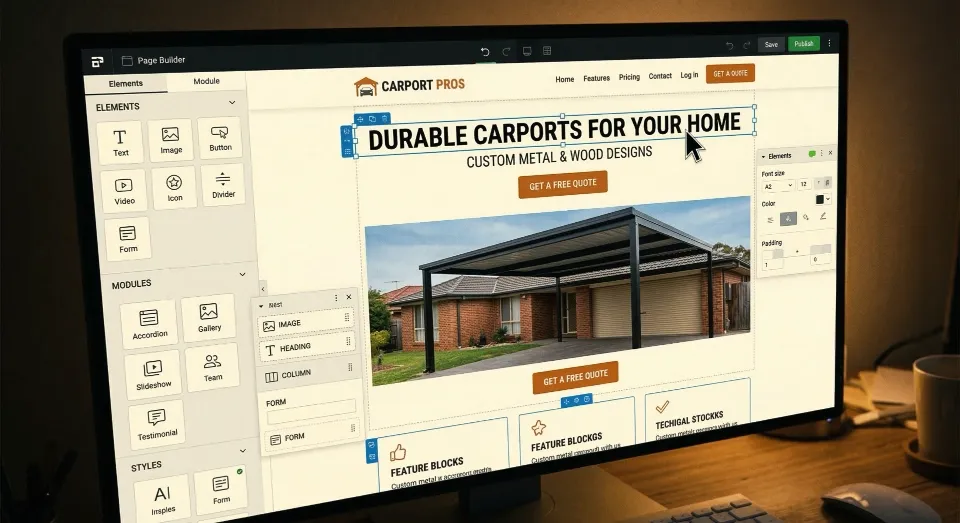
This client had a solid landing page sitting on their website. Standard stuff — hero section, pricing, what’s included, a quote form. It converts well enough. But here’s what bugs me about it: every time we want to test a new version — maybe a different headline for a different audience, or a tweaked offer — I’m back in the page builder, manually assembling things.
That’s not scalable. And it’s not a good use of anyone’s time.
What I really wanted was a setup where I could talk to Claude, describe what I need, and have a working landing page generated that I can iterate on quickly. Different versions for different ad sets. Same content, different angles. All without touching a drag-and-drop interface.
The Setup: Astro, Tailwind, and Two Claude Skills
I started with a fresh Astro install connected to Git. Nothing fancy. The magic comes from two Claude skills I had loaded up.
The first is the built-in Claude frontend design skill — it handles the actual component building and design decisions. The second I found on Smithery, which is a brilliant repository of Claude skills you can search through and install. This one was a landing page guide specifically built for high-converting pages. If you haven’t come across Claude Skills yet, I wrote about what they are and why they matter.
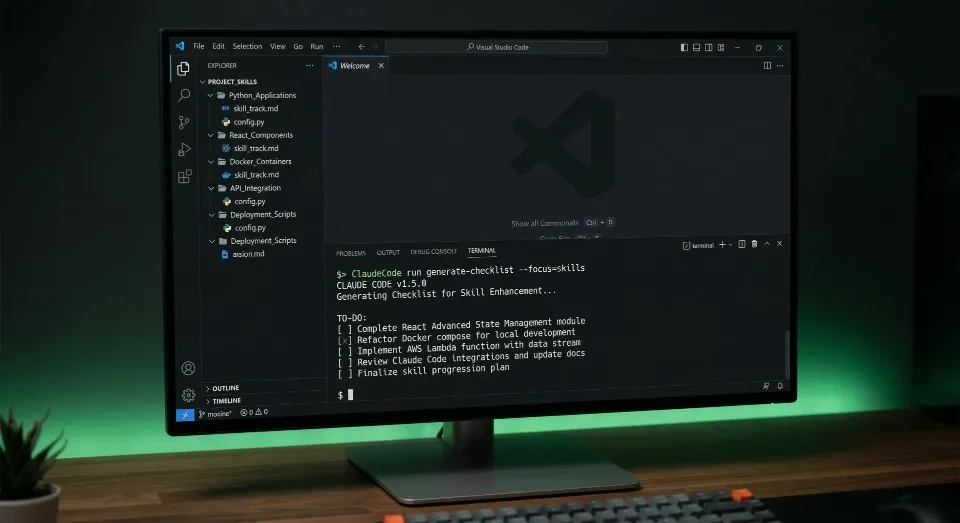
Between the two, Claude had everything it needed to understand both how to build the page technically and what makes a landing page actually convert.
The First Prompt and Claude’s Response
I gave Claude the URL of the existing landing page and told it to create a converting landing page using both skills. I said to pull through all the existing content, ignore the site header and footer, and instead build a standalone page with anchor link navigation.
What came back was impressive. Claude didn’t just dive in — it asked smart questions first. Tech stack confirmation (Astro 5, Tailwind 4, Cloudflare — not Next.js). Whether I had the logo file or needed a text placeholder. What to do about the image gallery. How to handle testimonials. Form handling. Brand colours. Whether the phone number should be clickable. Whether the Meta pixel needed scaffolding.
That’s the kind of thinking you want from a dev partner. Not just executing — actually understanding the brief and filling in the gaps before writing a single line of code.
Watching Claude Work Through It
Once I answered those questions, Claude created a to-do list for itself. Set up the design system. Build the header component. Hero section. Why choose us. Pricing. Process. Testimonials. CTA. Quote form. Footer. Add Meta pixel scaffolding and lead event tracking. Test the build.
Then it just… built it. I came back to a fully rendered page running on the dev server.
Iterating in Real Time
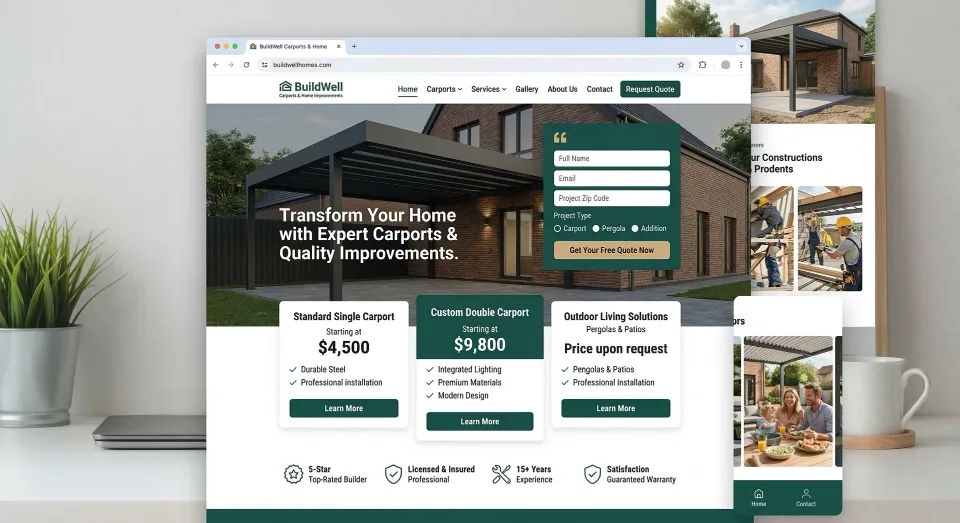
Was it perfect first go? No. But it was close. And this is where the workflow really shines.
The page looked a bit bland without images — so I told Claude and it added them back in. But then I noticed it had used a product image that didn’t match the pricing tier on the page. That’s the kind of thing you’ve always got to watch for. So I took a screenshot, showed Claude where I wanted the correct image, and it fixed it.
Same deal with some buttons that needed to stretch full width inside their cards. Screenshot, quick description, done. CSS flexbox adjustment, sorted in seconds.
I also caught some copy that Claude had generated itself — a timeline section that sounded plausible but wasn’t accurate to what the client actually offers. That’s the reminder: always check the copy. AI will confidently make things up if it doesn’t have the real information. I asked Claude to remove it and we moved on.
The whole process felt like working with a fast, capable junior developer who needs direction but executes quickly. The best parts of working with a designer and a developer, honestly.
Mobile Check
One thing I always do is check mobile. Right-click, inspect, toggle the device toolbar. The layout was solid — everything stacked properly, the quote form worked, CTAs were tappable. A couple of minor things to tidy up, but nothing structural.
If you’re building landing pages for Meta ads, mobile is where most of your traffic is coming from. This has to work perfectly on a phone or you’re wasting ad spend.
The Meta Tracking Setup
Here’s where it gets properly useful. I asked Claude how the Meta tracking would work on Cloudflare Pages, and it walked me through the whole thing.
What was already scaffolded in: the Meta Pixel base code loading Facebook’s pixel library, firing a page view on load, and a lead event that fires when the form submits successfully. All I needed to do was drop in my actual Pixel ID.
But I wanted both client-side and server-side tracking. iOS has clamped down hard on browser-based tracking — which is fair enough — but as a marketer, I still need to know what’s working. So Claude built both.
The browser fires the lead event on form submission. At the same time, a Cloudflare Pages function sends the same event server-side via Meta’s Conversions API with hashed user data, client IP, and cookies. If the server-side call fails, the email still sends. Dual tracking, exactly what Meta recommends for maximum attribution accuracy.
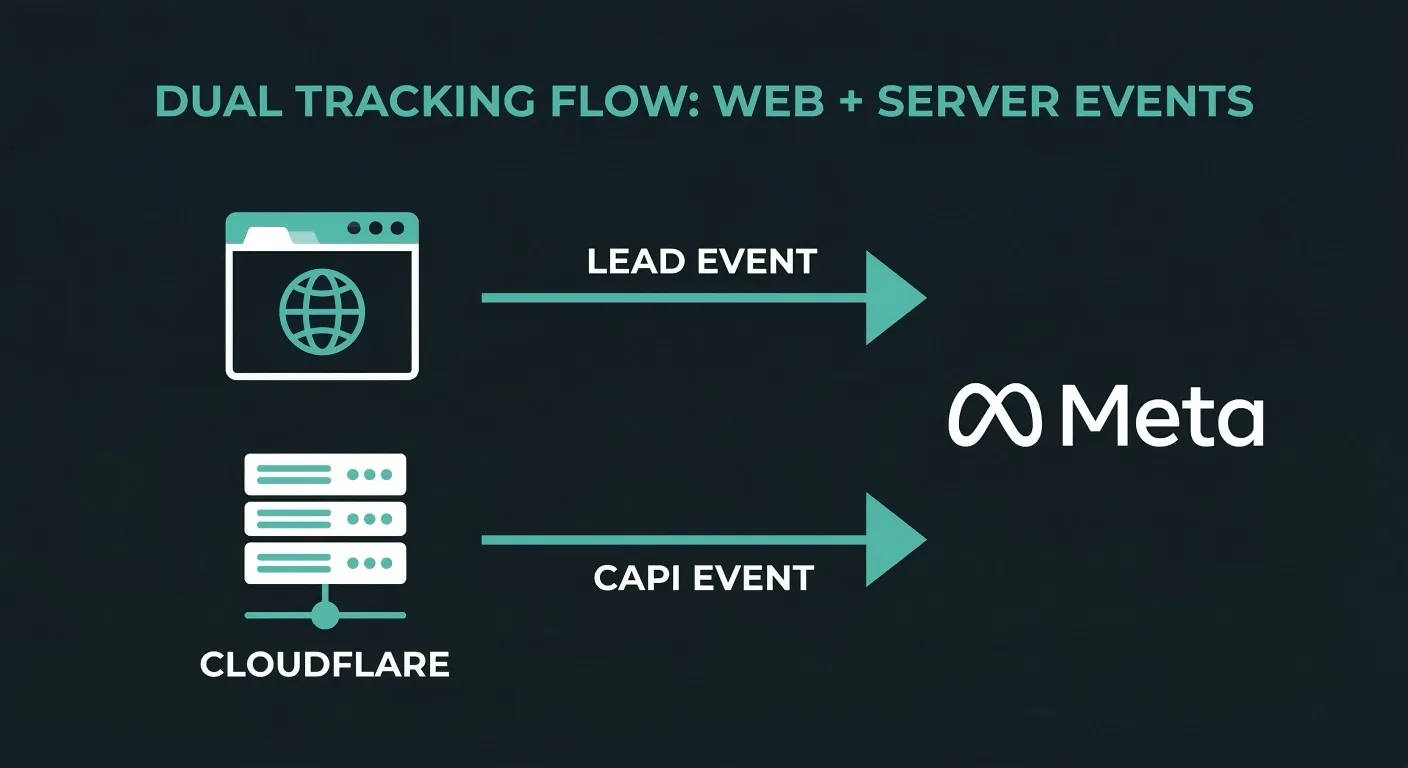
I set the environment variables in Cloudflare, pushed it live, and tested both forms. Leads coming through in the browser tracking. Leads coming through via the server. Postmark emails landing. Everything working.
Why This Matters for Landing Page Testing
The real win here isn’t just one landing page. It’s the workflow.
Now that this is built in Astro and sitting in a Git repo, I can tell Claude to spin up a new version with a different headline, different pricing emphasis, or a completely different angle for a different audience segment. No page builder. No manual assembly. Just a conversation and a git push.
For anyone running Meta ads — or any paid traffic — being able to test landing page variations quickly is the difference between burning budget and actually learning what converts. If you want to go deeper on that, I’ve written about landing page A/B testing techniques before. This setup makes that fast and cheap.
What I’d Do Differently Next Time
Honestly, not much. The main thing is being more specific with the initial brief about which images to use and which content is real versus placeholder. Claude will fill gaps with plausible-sounding content, and if you’re not paying attention, that can end up on a live page.
The other thing is having your Postmark and Meta credentials ready before you start. The build itself was quick — the setup around it (environment variables, DNS, Cloudflare config) is where the time goes.
The Bottom Line
If you’re still building landing pages in page builders, I get it. They’re familiar. But once you’ve seen how fast this workflow is — Astro, Claude, push to Cloudflare — it’s hard to go back.
I built two complete, tracking-enabled landing pages for Meta ads in a single session. Both tested. Both live. Both converting.
That’s the kind of efficiency that actually moves the needle.
Want to talk about how a setup like this could work for your business? Book a call and let’s figure it out.