
Someone left a comment on my last video saying they loved hearing about AI theory, but wanted to see how I actually use it. Real workflows. Real problems. Not just “AI will save you time.”
Fair enough. So here’s one example.
The problem I was trying to fix
I write blog posts a couple of times a week. Every post needs images. My workflow looked like this: write the post in Claude, get image prompts, paste them into Gemini, tweak until I got something usable, pull the image out, open Photoshop, rename the file, change the format to WebP, fix the crop, then repeat that four or five times per post.
It wasn’t hard. It was just tedious. And it added up every single time.
That’s exactly the kind of thing AI should be handling.
What I built
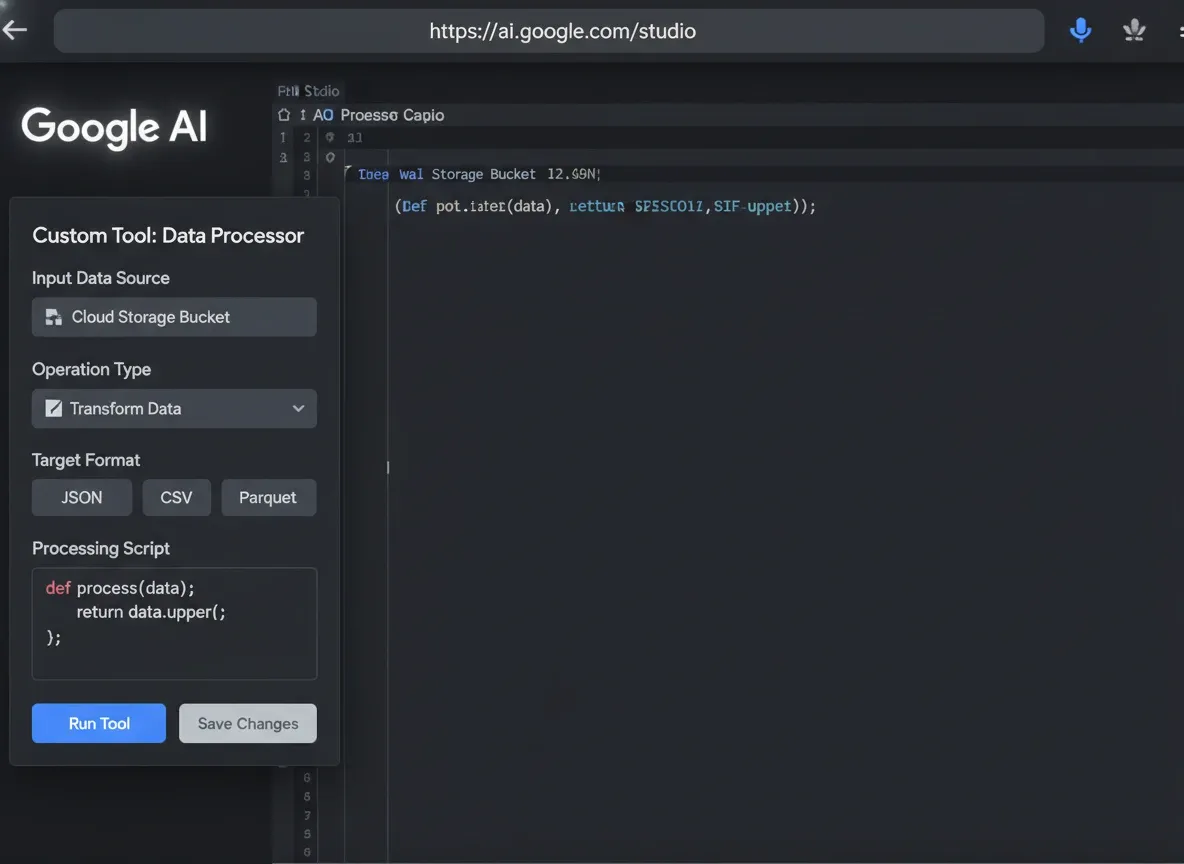
I jumped into Google AI Studio — it’s free to use — and started building a custom image generator. Not a full product. Just a tool that fits the way I work.
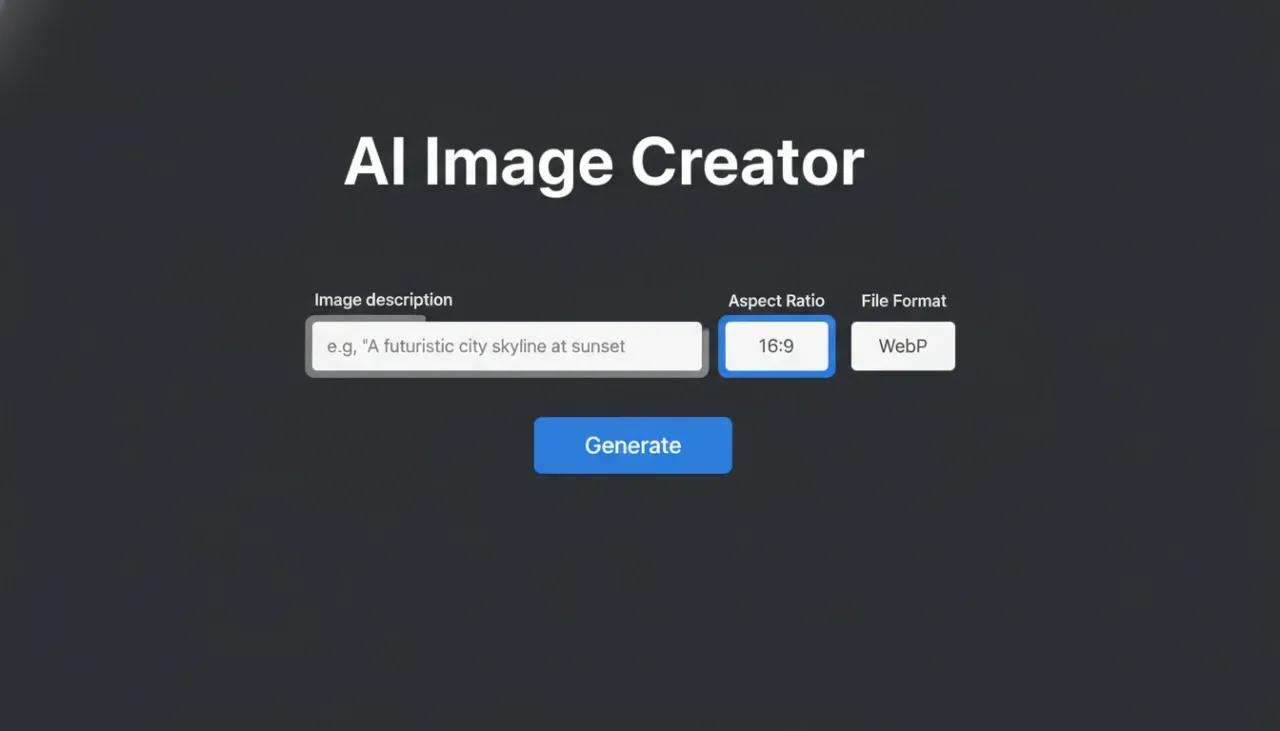
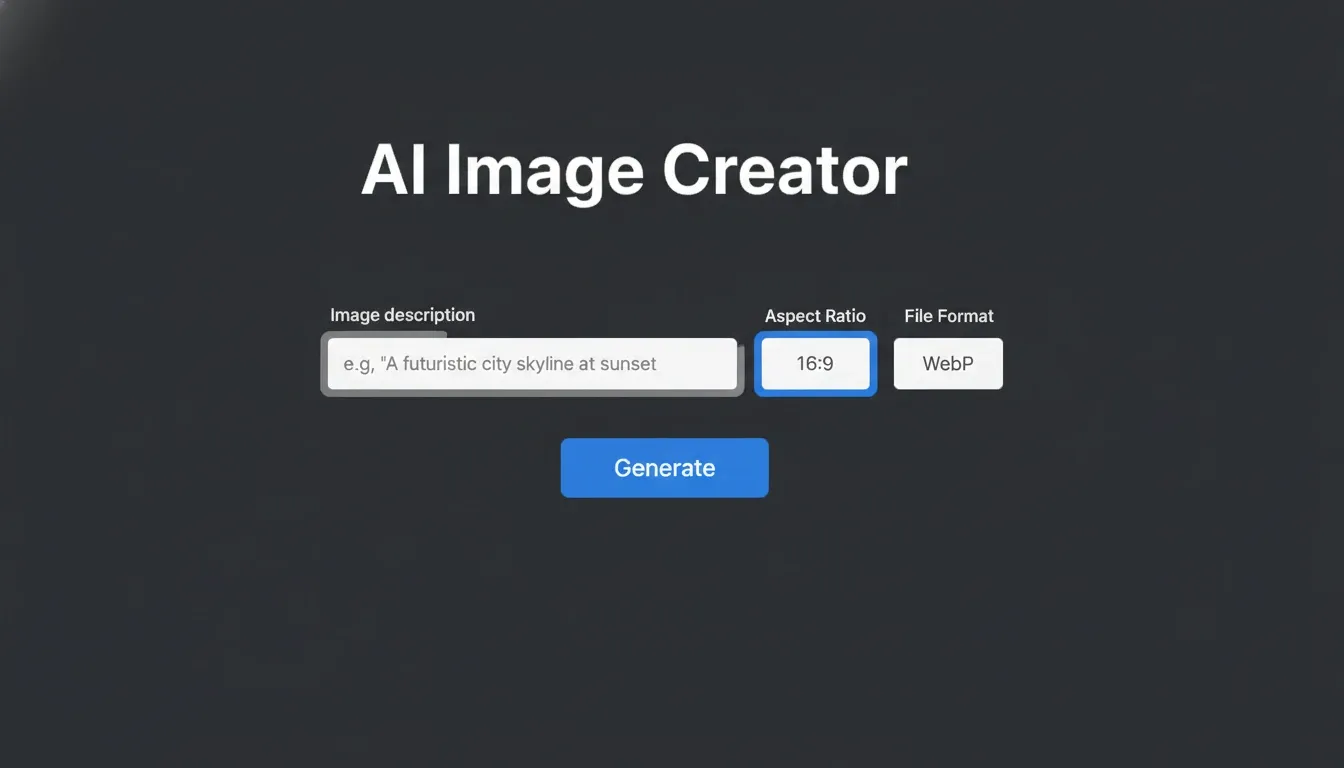
The first version was simple: a description field, hit generate, get an image. Basic, but it worked.
Then I needed aspect ratio control, so I added a dropdown for that. Then I was still heading into Photoshop to convert files, so I added an export format option — WebP, JPEG, PNG. Then I realised I was still manually renaming every file after downloading it, so I added a filename field so the image comes out already named and ready to drop into my site.
Each time I ran into friction, I went back in and fixed it.
How it works day to day
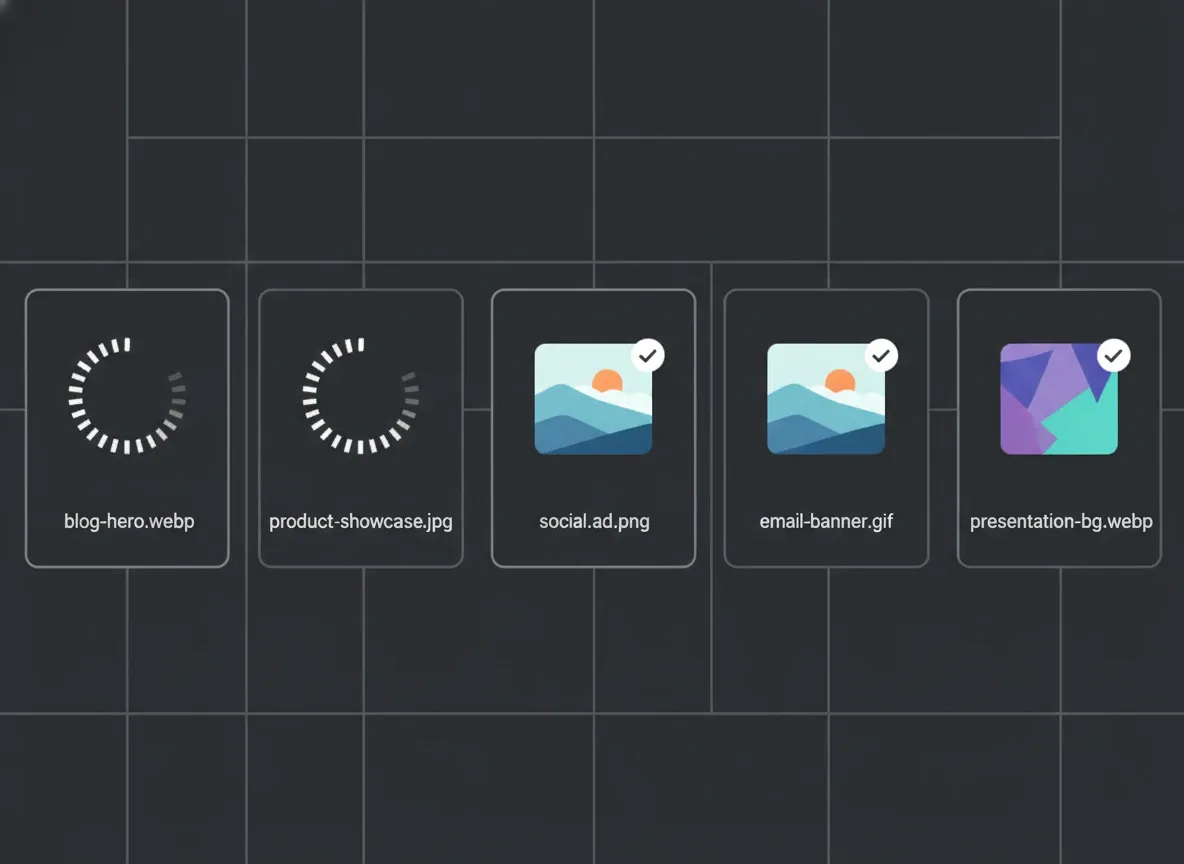
Now when I’m working on a post, I grab the image prompts from Claude, paste them into my tool, set the ratio and format, type the filename I want, and hit generate. While those are running in the background I keep writing. By the time I’m done, the images are ready — named correctly, in the right format, sized properly.
The tool runs on Google’s image generation model. Generates fast, looks great for blog use.
I can kick off five images at once. No Photoshop. No renaming. No format converting.
Where this goes from here
The whole thing lives in Google AI Studio right now, which is fine for a proof of concept. If I wanted to run it properly, I could export all the code, host it locally, and connect it to Gemini’s API directly. That way I’d just pay per image rather than being tied to any monthly subscription.
But honestly, it’s working well enough as-is. It does exactly what I need it to do.
The actual point here
I’m not telling you to build this exact tool. I’m telling you that the real value of AI isn’t in buying someone else’s pre-packaged product and hoping it fits your workflow.
It’s in looking at the annoying parts of your own job and asking: can I automate this?
Most of the time, the answer is yes. And the result is something that works the way you work — not the way some software company thinks you should work.
That’s the play. Find the friction. Remove it.
If you want help figuring out where AI can actually save you time in your business, get in touch. That’s exactly what I work on with clients.