
Most Mandurah businesses call for IT support when something’s already broken. The computer won’t start, the internet’s gone down, the printer’s stopped talking to anything. It’s reactive, it’s stressful and it usually happens at the worst possible time.
That’s fine — that’s what IT support is for. But there’s a difference between having someone you can actually get hold of quickly and lodging a ticket with a large company and waiting two days for a callback.
What Local IT Support Actually Covers
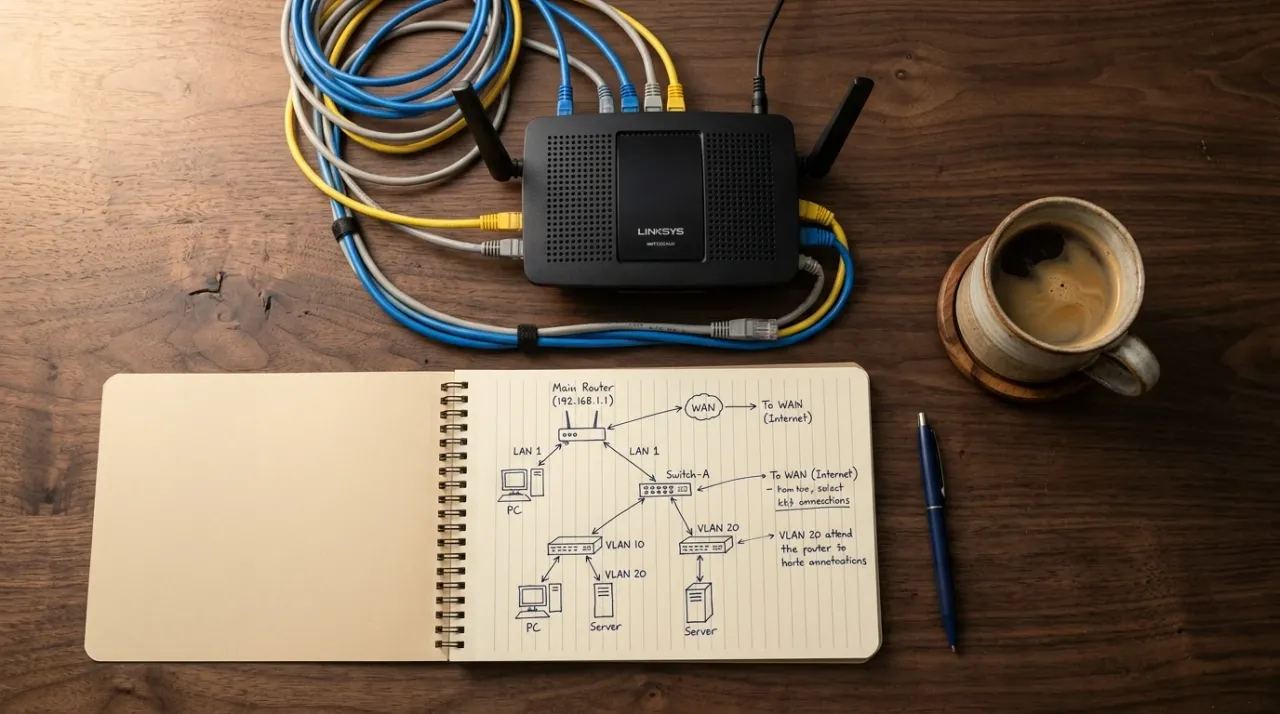
The most common on-site jobs I handle for Mandurah businesses are around systems — setting up new computers, sorting out networking issues, implementing cloud solutions that either aren’t being used properly or haven’t been set up with any real thought about security or backups.
That last one comes up more than you’d expect. A lot of business owners and personal users ended up in the cloud without fully understanding what they’d signed up for. Files are sitting somewhere, but are they backed up? Are they secure? Who has access? Getting that sorted — setting it up properly, making sure things are backed up and running a quick training session so the owner understands what they’ve got — is a straightforward job that makes a real difference. If security is something you haven’t thought much about, it’s worth reading why every small business needs a cybersecurity plan.
A recent example: a Mandurah client needed to replace their existing Wi-Fi setup because it was too slow and unreliable for how the business was operating. I came out, had a look at the existing infrastructure, did some research on what would actually work for their setup and then went back and implemented the whole thing. It’s running well and they’re not dealing with dropped connections anymore. Simple job, but the kind of thing that affects the whole business day when it’s not working.
On-Site vs Remote
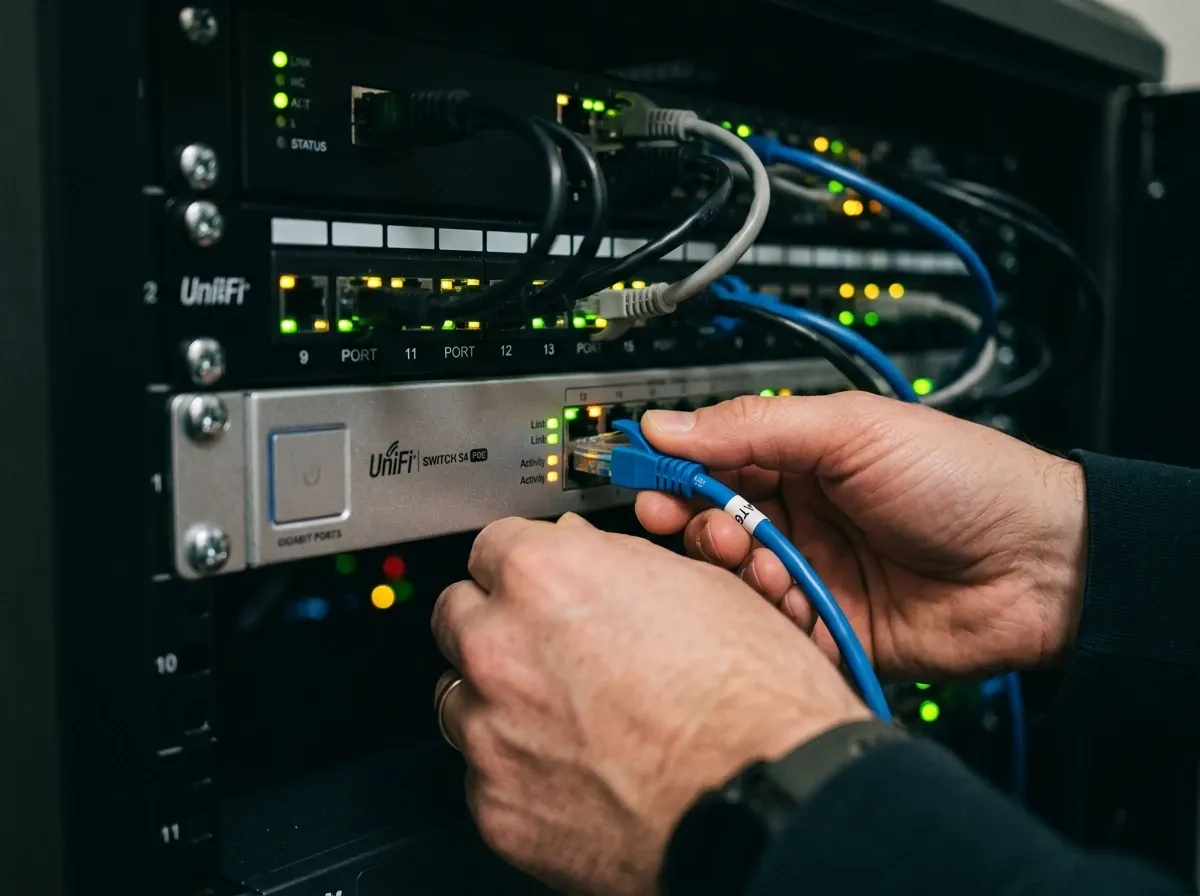
Most of my Mandurah work starts on-site. There’s no substitute for being in the room when you’re looking at networking infrastructure, setting up new hardware or working through something that needs eyes on the physical setup.
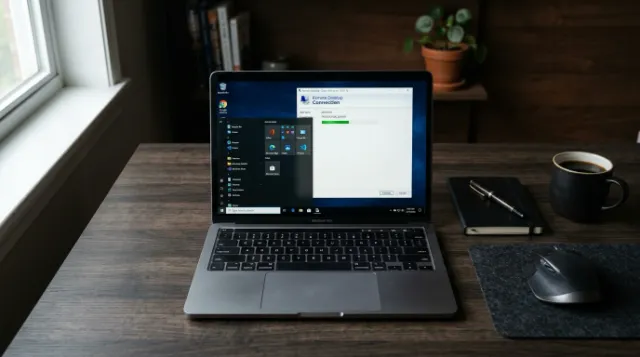
But once I’ve worked with a client and they know how a remote session works, a lot of them prefer it for smaller issues. If something needs 30 minutes to fix, it doesn’t make sense to wait for a scheduled visit. I can jump in remotely, sort it out and they’re back to work the same morning. The trust is already there, so the remote session is just the more practical option. If you haven’t used remote support before, here’s how it actually works.
Do You Need a Monthly IT Retainer
A lot of IT companies push monthly retainers. I understand why — it’s predictable revenue — but I don’t think it’s the right model for most small Mandurah businesses.
The honest reality is that a lot of what used to justify an ongoing monthly IT cost is now handled automatically. Cloud backups, automatic updates, built-in security on modern operating systems. The infrastructure has improved significantly and most small businesses don’t need someone billing them monthly just to exist.
Where an ongoing arrangement does make sense is if there are specific things that genuinely need regular attention — systems that need manual updates, hardware that requires monitoring or a business that’s growing fast and adding new staff regularly. In those cases, coming through every month or two to make sure everything’s in good shape is worthwhile. But it should be based on what you actually need, not a default package.

The Difference Between Local and Large
I’ve been on the receiving end of large IT company support and it’s frustrating. You log a ticket, it goes into a queue, someone calls back when they get to it and by that point you’ve either fixed it yourself or lost half a day waiting. The person who calls might know the system or might not. You explain the problem again. It’s a process designed around their workflow, not yours.
What I offer is different in a few specific ways.
Reaction speed matters. When something’s broken, you need it fixed today, not in 48 hours. I keep my client list at a size where I can actually prioritise properly and turn things around quickly.
Communication is straightforward. You call or message, you get a response, you know what’s happening. No ticketing system, no hold music, no being passed between departments.
The relationship builds over time. Most of my Mandurah clients have been with me for years. They ask questions, I give them honest answers — not answers designed to maximise billable hours. If the answer is “you don’t actually need to spend money on that,” that’s what I’ll tell you.
What to Look for When Choosing IT Support in Mandurah
Response time is the obvious one. Ask how quickly they typically respond to urgent issues and what the process looks like when something goes wrong.
Ask whether they’re going to give you an honest assessment of what you need or just recommend the most expensive solution. The two aren’t always the same thing.
And find out whether they’re actually local. Someone based in Mandurah or the Peel region can be on-site the same day for most jobs. Someone based in Perth or working remotely from interstate can’t.
Getting Started
If your business is running on a setup that’s never really been looked at properly, or if you’re dealing with something that’s been irritating you for months and just hasn’t been fixed, that’s worth a conversation. There are also some simple tech habits you can adopt right now that’ll save you time and headaches.
I work with businesses across Mandurah, Halls Head, Falcon, Dawesville and the broader Peel region — on-site for anything that needs it, remote for everything else.
Get in touch or call 0432 792 056 and we’ll figure out what you actually need.