

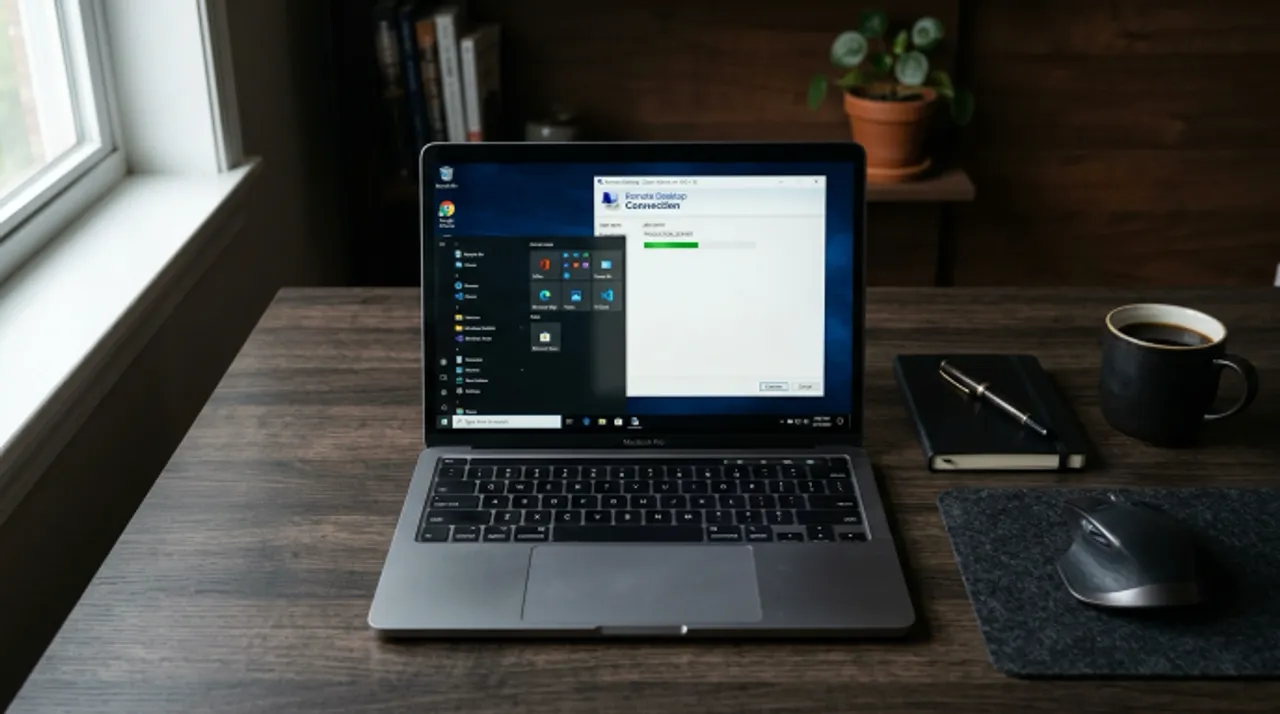
Most tech problems don’t need someone to drive to your office. They just need someone who knows what they’re doing to get in, fix it and get out.
That’s remote tech support. And if you haven’t used it before, here’s exactly how it works.
What Remote Tech Support Actually Is
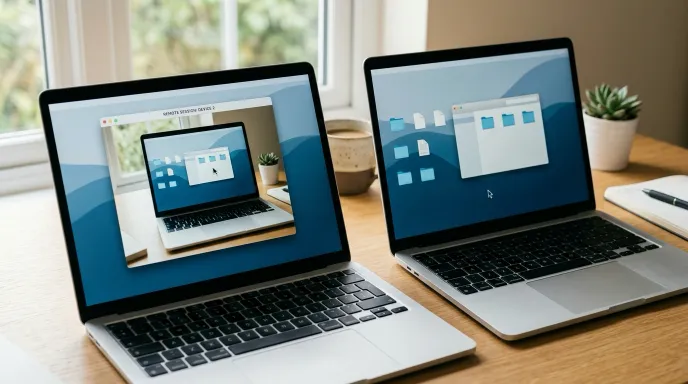
Remote tech support means a technician connects to your computer over the internet and fixes the problem from wherever they are. You can watch everything happen on your screen in real time. It’s not magic — it’s just a secure connection using software like AnyDesk or TeamViewer that lets us control your mouse and keyboard temporarily.
When the session’s done, that access is gone. You can disconnect at any time.
What Problems It Can Fix
Honestly, most of them. The most common calls I get from Mandurah businesses are computer breakdowns — something’s stopped working, running slow or behaving strangely. Network issues are a close second, whether that’s Wi-Fi dropping out, devices not talking to each other or connection problems across the office. Laptop battery replacements come up regularly too, though that’s one of the few things that does need a physical visit.
Here’s a broader picture of what gets sorted remotely on a regular basis:
Software and setup issues — Installing programs, configuring email accounts, setting up Microsoft 365, connecting printers, fixing software that won’t open or keeps crashing.
Slow computers — Running diagnostics, clearing out junk files, disabling startup programs that are dragging things down, checking for malware.
Network and internet problems — Troubleshooting Wi-Fi drops, fixing VPN issues, sorting out connection problems between computers on the same network.
Security — Setting up antivirus software, removing malware, checking that your backups are actually running, locking down accounts after a breach.
General “my computer’s doing something weird” — This covers about half of what we deal with. Most of the time there’s a straightforward fix.
What It Can’t Fix
Remote support has limits. If your screen is physically broken, your hard drive is dead or your computer won’t turn on at all, we can’t help remotely. That’s when you need on-site tech support instead. Here’s what to expect from local IT support if you need someone on-site.
We’ll tell you straight away if what you’re dealing with needs a physical visit. No point wasting your time with a remote session if it’s not going to solve it.

How a Session Works Step by Step
It’s simpler than most people expect.
You call or message us, describe what’s going on and we book a time that suits you. At the agreed time, we send you a link or a small program to download — that’s the remote access software. You run it, share a code with us and we’re in.
From there, we work through the problem while you watch. Most sessions run between 20 minutes and an hour depending on what’s involved. When we’re done, we walk you through what we found and what we fixed.
You don’t need to be tech-savvy to do any of this. If you can open an email and click a link, you can run a remote support session.
Why It’s Better Than Waiting for Someone to Come Out
The obvious one is speed. We can be connected to your computer within the hour on most days. Compare that to booking an on-site visit, waiting for a technician to drive out and then paying a callout fee on top of the hourly rate.
For most software problems, remote support is faster, cheaper and just as effective. If you’re not sure which option suits your situation, here’s a guide on remote vs on-site tech support.
It also means location doesn’t matter. Whether you’re in Mandurah, Dawesville, Halls Head or working from home somewhere in the Peel region — it doesn’t change anything on our end. I’ve helped businesses in Bunbury, Albany and right across the country. The distance is irrelevant as long as you’ve got an internet connection.
Is It Secure
This is the question we get most often, and it’s a fair one.
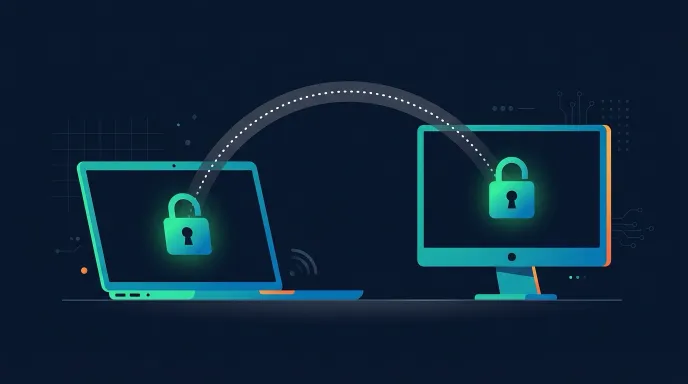
The short answer is yes, when it’s done properly. We use reputable remote access software, the connection is encrypted and you have to actively approve the session before we can connect. We can’t access your computer without your permission and we can’t reconnect after the session ends without you initiating it again.
The thing to watch out for is scammers. If someone calls you out of the blue claiming to be from Microsoft or your internet provider and asks you to install remote software — hang up. That’s a scam. We’ve written more about this in our guide on why every small business needs a cybersecurity plan. Legitimate remote tech support is always something you initiate, not something that gets pushed on you.
One of the more serious situations I deal with remotely is compromised Microsoft 365 accounts. It happens more than people realise — someone clicks a phishing link, credentials get stolen and suddenly someone has access to your business email. I’ve jumped into a few of these for Mandurah businesses, locked down the account, revoked active sessions, checked what was accessed and made sure it was secure before handing back control. That kind of thing needs to be dealt with fast, and remote access means I can be in there within minutes rather than hours.
What It Costs
We charge a flat rate for remote tech support sessions — no callout fees, no travel time, no surprise extras. If we can’t fix it remotely, you don’t pay for the time we spent trying.
For Mandurah businesses that need regular tech help, we also offer ongoing support arrangements so you’re not paying per-incident every time something comes up.
When to Call
Don’t wait until something’s completely broken. If your computer has been running slow for a few weeks, your email’s been playing up or you’ve got a program that’s been annoying you for months — that’s a good time to sort it out.
Most small issues are quick fixes remotely. Leave them long enough and they become bigger problems.
If you’re based in Mandurah or anywhere in the Peel region and you need remote tech support, get in touch or call us on 0432 792 056. We’ll tell you upfront if it’s something we can fix remotely or if you need someone on-site.